AI Photo Enhancer
The AI sharpens your photo, raises the resolution and restores facial details. Upload a picture and get a clean, crisp version in a few seconds.
- Upscaling several times depending on the source
- One-click processing in seconds
- Restores faces and fine details


Processing that understands the picture
The model was trained on a huge number of photos and knows what skin, hair and fabric look like up close. Old phone shots, video frames and compressed pictures become sharp and still look natural.

01 /
Why enhance photos here
Upscaling without blur
The network enlarges a photo several times and fills in detail instead of stretching pixels. Edges stay clean and textures stay alive.
Faces and details
Eyes, lips, hair and fabric are processed separately. Noise, grain and compression artifacts go away while the person stays recognisable.
One button
No sliders or settings: upload a file, press the button and download the result a few seconds later.
Ready for print and posting
The enhanced file can be printed large, used as a wallpaper or edited further in the photo editor. The result is saved to your personal gallery right away, and only you can access it.

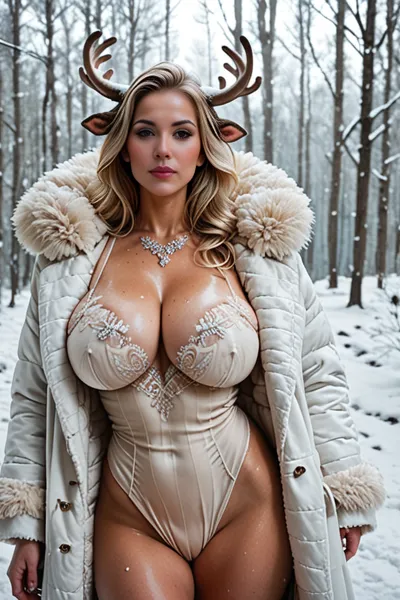
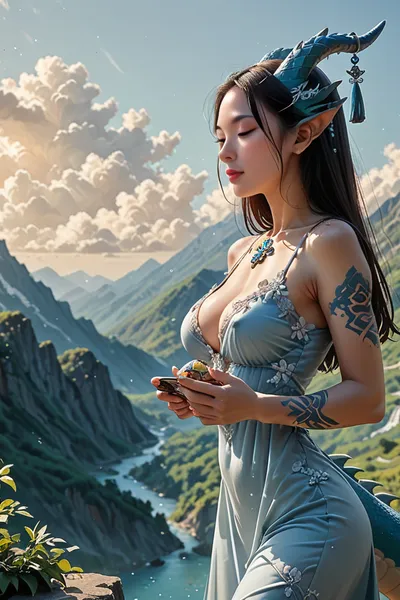
02 /
Choose a plan
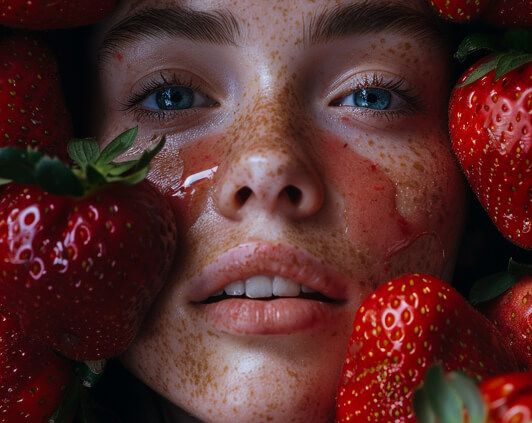
Start
- • 10 coins = 1 image
- • No watermarks
- • No queues
- • One-time payment
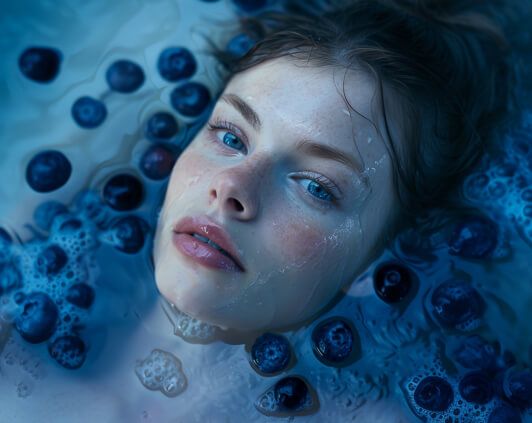
Medium
- • 10 coins = 1 image
- • No watermarks
- • No queues
- • One-time payment
Pro
- • 10 coins = 1 image
- • No watermarks
- • No queues
- • One-time payment
Ready to Create Something Amazing?
Unleash the full potential of AI generation to create unique, stunning images. Transform your wildest ideas into breathtaking visual reality in seconds.
AI photo enhancement
The SNIMI.TOP photo enhancer makes a picture sharper, bigger and cleaner in one click. Upload a file, press the button and get a version with restored details a few seconds later. Nothing to configure or install.
AI photo processing online
A regular editor stretches pixels and the picture turns soft. A neural network works differently: it has seen millions of images and knows what skin, hair, fabric and eyes look like up close. So when it enlarges a photo, it fills in the missing detail instead of smearing the old one.
You can enhance photo quality with AI for many tasks: an old phone shot, a video frame, a screenshot, a compressed picture from a messenger, or your own generation that you want to print large. All of them are handled the same simple way.
The service works online in the browser, on desktop and on mobile. Results are saved to your personal gallery, which only you can access.
Processing does not change what the picture is about: the composition, pose and facial expression stay the same. The network only brings back what was lost during shooting, sending or compression.
The best AI photo editor is one that needs no retouching skills. There are no curves, masks or layers to deal with: the model decides where to add sharpness and where to smooth out noise. You only see the source and the finished result.
Online AI photo processing also does not load your device: all the work runs on servers, and a browser is enough on a phone.
What it does: upscaling, sharpness, faces, noise
One button runs several processing stages at once. Here is what happens to the photo inside.
Upscaling
The image is enlarged several times without jagged edges. The final resolution depends on the source. A file like that is ready for wallpapers, printing or cropping without quality loss.
An upscaled photo is easy to crop: you can cut out a single fragment, such as a face or an interior detail, and it will still stay sharp.
Sharpness
The network brings back crisp outlines and fine textures: eyelashes, strands of hair, fabric patterns. Sharpening is gentle, without the white halos that ordinary filters leave around objects.
If a shot is blurred by motion, the network partly rebuilds the outlines. A heavily blurred photo will get better, but do not expect miracles: the more information the source has, the more accurate the result.
Face restoration
A face in a small or blurry shot looks like a smudge. The model works on the eyes, lips and skin separately while keeping the person recognisable. The effect is most visible on group and old photos.
Facial features are not replaced with averaged ones: the model keeps the shape of the nose, the eyes, moles and expressions, so the person stays recognisable.
Noise and artifact removal
Grain from low-light shooting, blocks from heavy compression and colour blotches are removed automatically. Colours become even, and the photo does not turn into a plastic-looking picture.
This is especially useful for night shots, photos taken indoors in dim light and pictures that have been forwarded many times.
Before and after
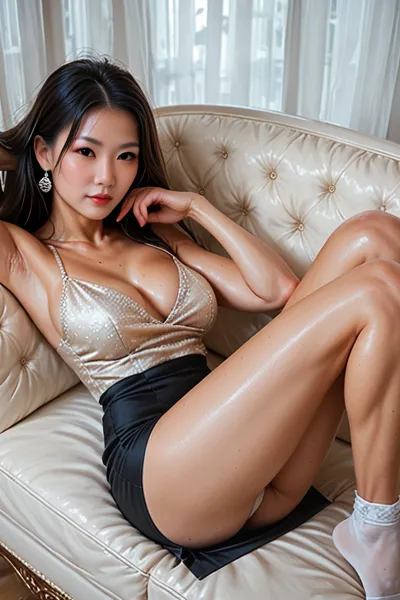
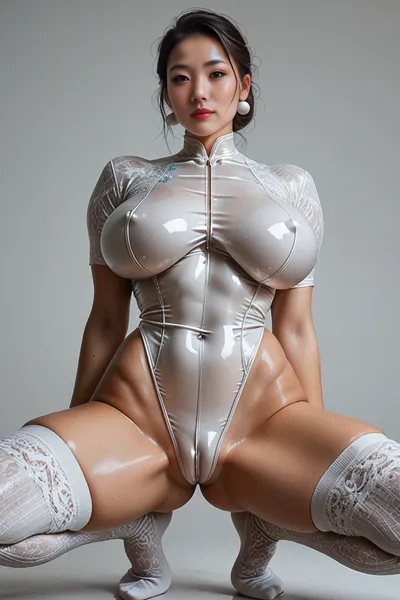
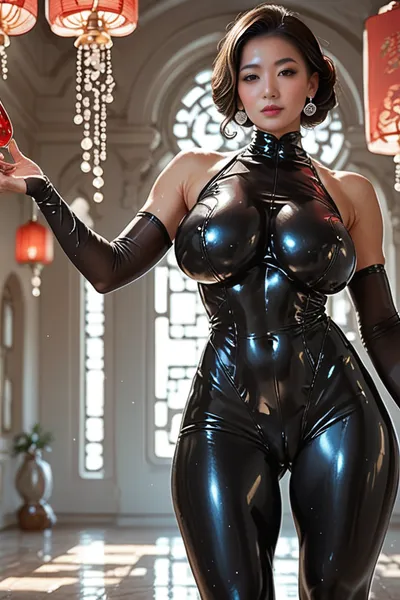
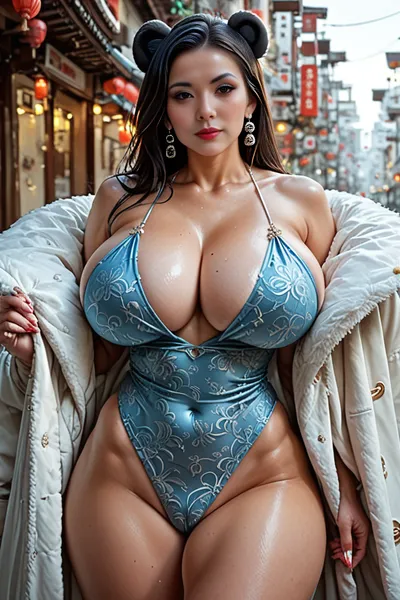
The difference is most visible on faces and fine textures: zoomed in, the source falls apart into pixels while the enhanced version stays sharp.
You can compare the result right on the page: the block at the top has a slider that shows the source and the enhanced version. Typical cases look like this.
- A phone portrait in poor light: the noise is gone, the eyes and lashes are sharp.
- A compressed messenger picture: the blocks disappeared and small background details came back.
- A small generation: upscaled to a high resolution suitable for print.
Prompts for photo editing
Enhancement works without any text, but in the dashboard photo editor you can refine a picture with a description. These are the AI photo editing prompts people use most. Say briefly what to change and, separately, what to keep.
If a prompt does not change the right part of the frame, name it directly: only the background, only the hair, only the lighting. Short commands work more reliably than long descriptions.
- make the photo sharper, remove noise, keep the face unchanged
- restore facial details, keep the skin tone and expression
- remove compression artifacts, make the colours natural
- brighten a dark photo, keep the shadows and contrast
- add soft studio lighting, keep the background unchanged
- remove grain from the night shot, keep the city lights
- fix the white balance, remove the yellow tint
- blur the background like a portrait lens
- sharpen the hair and clothing fabric, without halos
Free coins and an easy start
After sign-up you get 30 bonus coins. That is enough to enhance photos with AI for free and compare the result with other services. If you like it, coins are sold in packs, with no subscription.
You can look at the examples without an account, but processing your own files requires one: that way the results belong to you only.
Enhancement pays off especially for your own generations: instead of creating a picture again in a large size, just upscale the version you liked.
Telegram bot
If you prefer your phone, open the service in Telegram: the bot launches a mini app with the same AI photo editing. It uses the same account as the website, so the balance and gallery are shared too.
Upload only your own photos or photos of people who have agreed to have them processed. Acceptable Use Policy.
Photo enhancement FAQ
How can I enhance a photo for free?
Sign up and use the 30 bonus coins credited to your balance right away. Upload a photo on the enhancement page and press one button.
What is the maximum resolution?
The photo is enlarged several times; the final size depends on the source. The cleaner the source file, the better the result.
Can I use it without signing up?
You can view the examples and the before and after comparison without an account. To process your own file you need to sign up, which takes less than a minute.
Why is it better than other AI tools?
Processing starts with one button and needs no settings, and the enhanced photo can be edited, animated into a video or used in other tools of the service straight away.
Are my photos stored on the server?
Results are kept in your personal gallery, which only the account owner can access. You can delete files you no longer need at any time.