AI Face Swap Online
Put your own face into a new photo: describe the result in words or choose a picture to place the face on. The AI matches light and skin tone, the result is ready in seconds.

Upload only your own photo, or a photo of someone 18+ who has given consent to having their image processed.
How it works
First the model finds the face in your selfie and reads its features. Then it transfers them to the target image, taking into account head angle, lighting and skin tone. The result is photorealistic.

01 /
Why our face swap
Natural result
The model keeps facial features and expression, and adapts light and shadows to the new scene. The seam is invisible.
Privacy
Uploaded photos and results are kept in your personal gallery, and only you can access it.
Fast processing
A swap takes a few seconds. You can immediately try another description, another target photo or another selfie.
Clean details
Eyes, lips and hairline are transferred without blur or seams. The sharper the source selfie, the more accurate the result, so shoot it front-facing in even light.

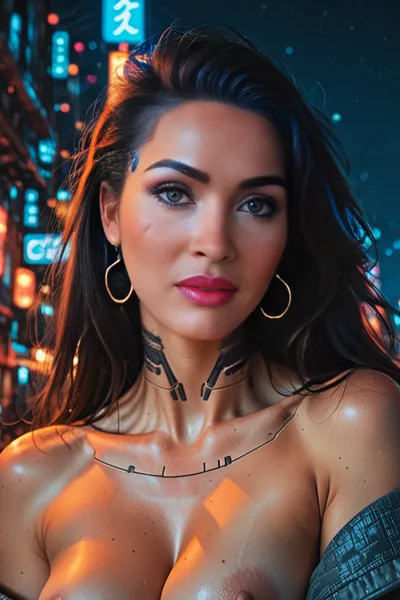
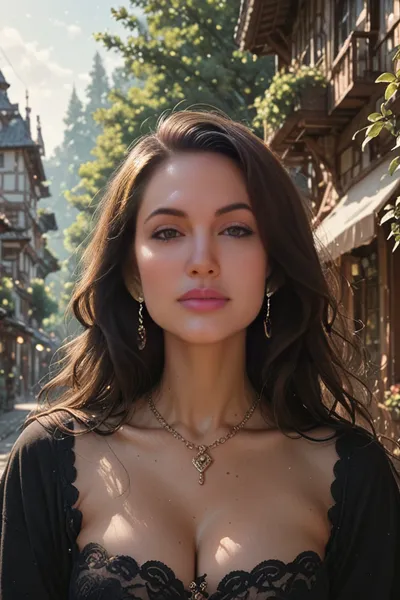
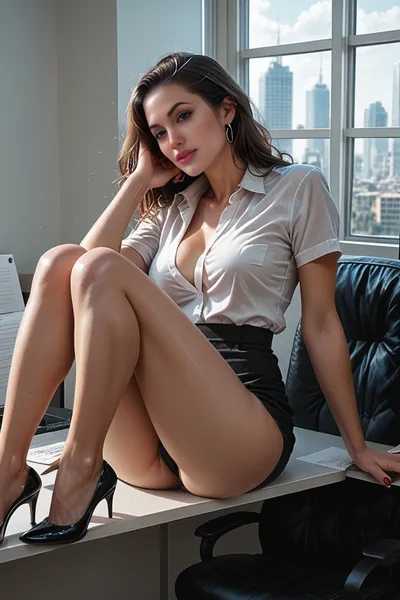
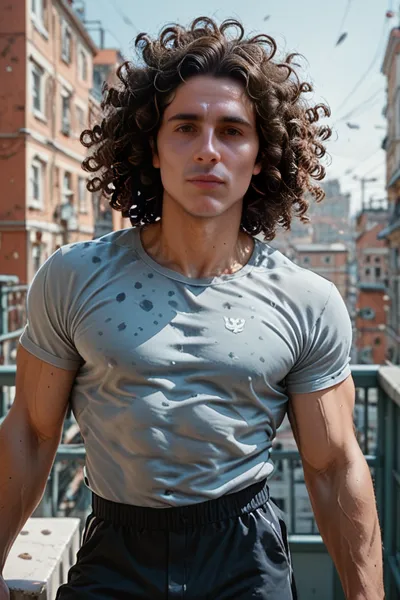
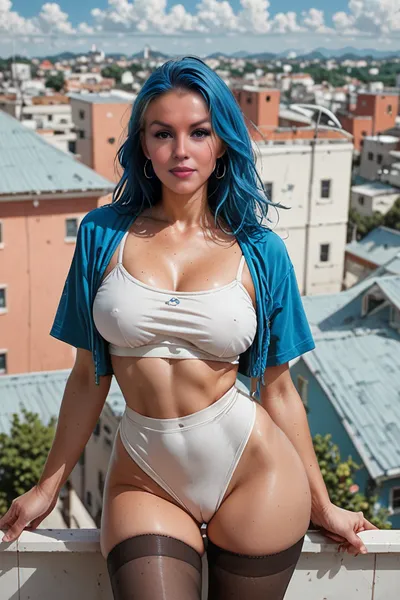
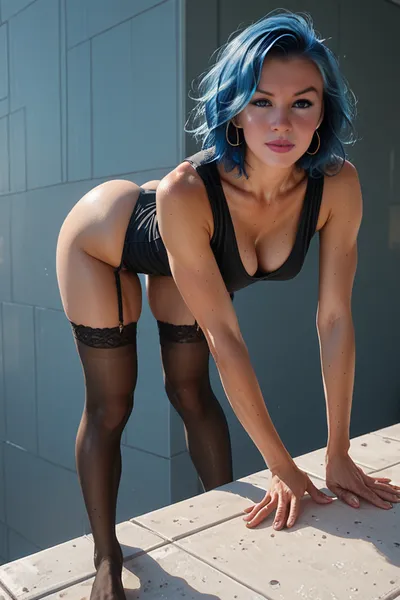
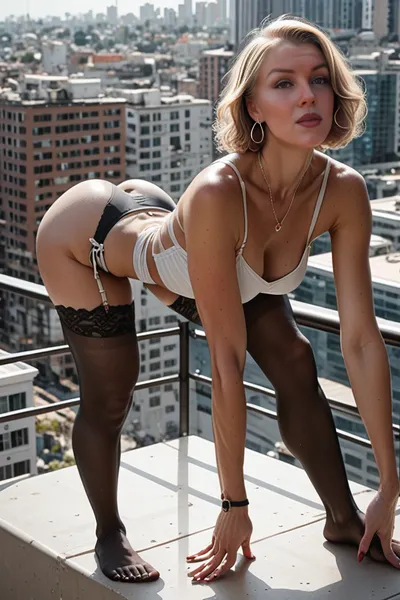
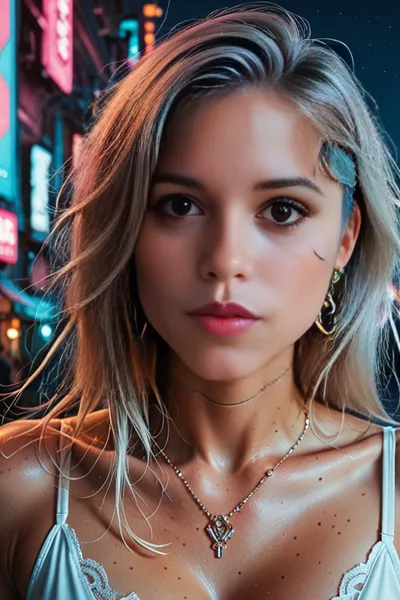
02 /
Choose a plan
Start
- • 10 coins = 1 image
- • No watermarks
- • No queues
- • One-time payment
Medium
- • 10 coins = 1 image
- • No watermarks
- • No queues
- • One-time payment
Pro
- • 10 coins = 1 image
- • No watermarks
- • No queues
- • One-time payment
Face swap in photos with AI
An online face swap lets you try on a different look, make an avatar or put your own face on a generated character. Everything runs in the browser, no software to install.
Online face swap with a neural network
The model finds the face in your source photo, reads its features, head angle and lighting, and carefully transfers them to the target image. Skin tone and shadows adapt to the new scene, so the seam is invisible.
An AI face swap takes a few seconds. It works in a photorealistic style: portraits and full-body shots where the face is clearly visible give the best results.
There are two ways. Describe the result in text, and the AI creates a new photorealistic image with your face. Or choose a photo to place the face on: it must show one person, only the head changes, and the body and background stay as they are. The face is taken only from your selfie or from a photo of a person who agreed to the processing.
How to swap a face in 3 steps
- Upload your selfie: face straight to the camera, no glasses and no harsh shadows.
- Describe the result in text or choose a photo to place the face on: it must show one person.
- Run the swap, compare the result with the original and download the version you like.
Ideas for using it
A fantasy or cyberpunk look for your avatar
Describe an elf, a warrior or a hero of a neon city, and the AI creates a photorealistic look with your face: costume, makeup and setting like in a movie. You get an avatar for social networks or a gaming profile that nobody else has.
Try on a look or a haircut
Before going to the salon, see yourself with a different haircut, hair color or clothing style. Describe the look in words or choose a suitable photo and transfer your face onto it.
Your face on a generated character
Describe a character in the result field, and the AI makes it photorealistic and with your face. Handy for illustrating your own story or comic.
Several faces: one at a time
You cannot swap several faces in one picture at once: the swap works with photos that show one person. For a story with several characters, make a separate shot for each, each with its own selfie and that person’s consent.
Free to try, nothing to install
You do not need face swap software: everything works on the website from a phone or a computer. Examples can be viewed without an account, the swap itself requires one.
After sign-up you get 30 bonus coins, enough to try the face swap for free and judge the quality.
Face swap for video
A finished photo with a swapped face can be turned into a short clip. Photo animation adds motion, facial expressions and camera movement.
Rules: your own photos or with consent
Upload only your own photos or pictures of people who explicitly agreed to the processing. Using other people’s faces or photos of recognizable people without their consent is prohibited.
Photos of minors are not allowed. Images are checked automatically, violations are blocked.
Upload only your own photos or photos of people who gave their consent to the processing. Acceptable Use Policy.
Face swap FAQ
Can I swap a face for free?
Yes, with bonus coins. You get 30 coins after sign-up, enough for the first swaps.
Do I need to sign up?
Not to browse examples, but the face swap itself requires an account. It also keeps your results in a personal gallery.
How do I get a realistic result?
Use a sharp front-facing selfie in even light, without glasses or hair over the face. The swap works best when the head angle in the selfie and in the target image is similar.
Can I swap several faces?
One face is swapped at a time, and the target photo must show one person. For several characters, make separate shots; each needs its own selfie and the person’s consent.
Whose photos can I upload?
Only your own or photos of adults who gave consent. Other people’s pictures without consent and photos of minors are prohibited.